
UniFi Protect NVR vs. Ring & Nest Subscriptions: What Your Estate's Camera Storage Really Costs
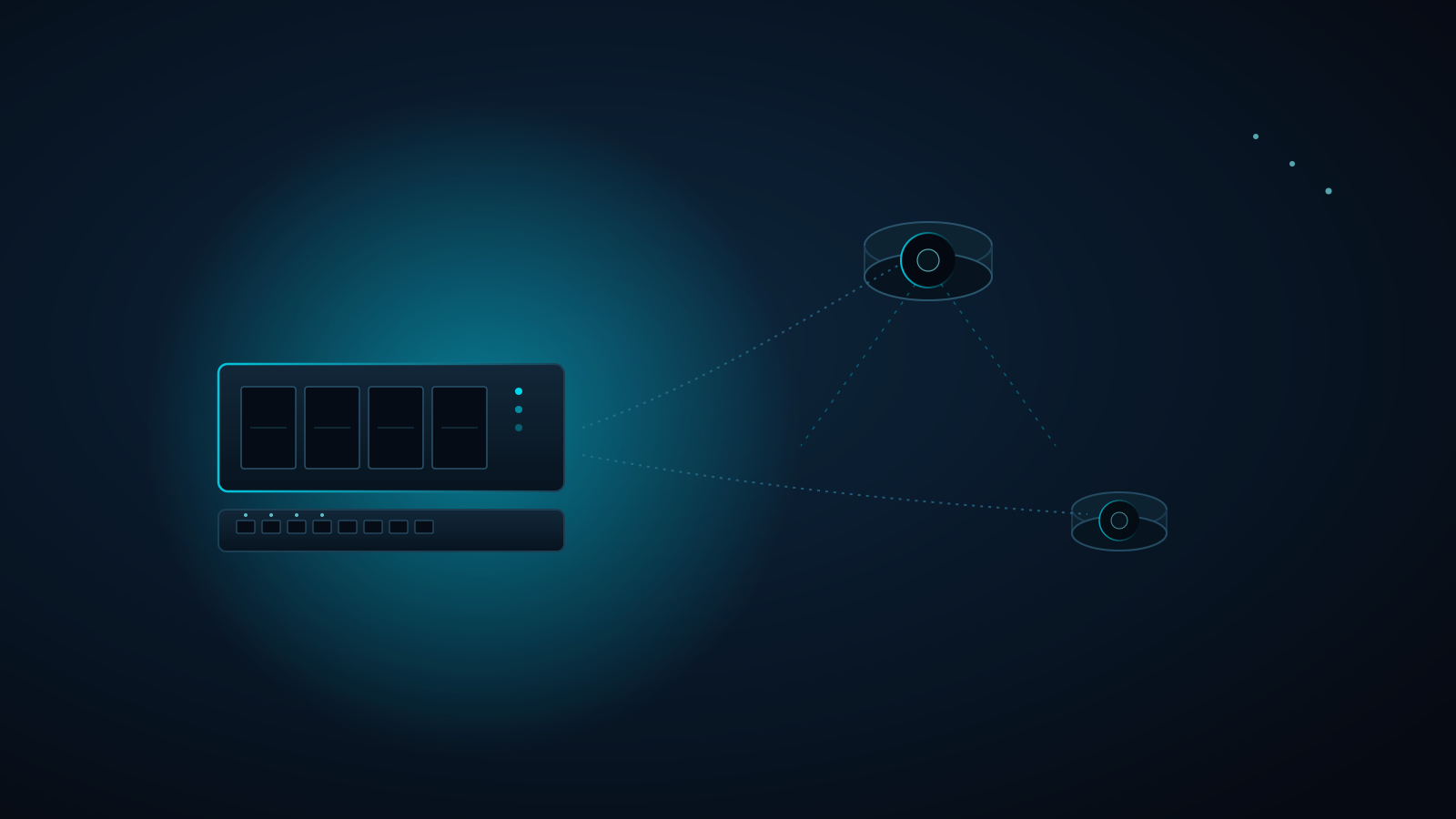
A dozen cloud cameras around a Harmony or St. Cloud estate means a dozen things that stop working the day a subscription lapses, an uplink drops, or a vendor changes its pricing. Ring and Nest sell the camera cheaply and rent you the memory: clips live on the vendor's servers, retention is whatever your plan tier says, and the footage of your own motor court is only as available as your internet connection and your billing status.
Quick answer: A hardwired PoE UniFi Protect NVR records every camera to drives you own, on your own network, with no per-camera fee and no dependence on the internet to record. The one design decision that matters is storage sizing: plan drive capacity around your camera count, resolution, and the retention window you want, not the other way around.
| Consumer Cloud Cameras (Ring / Nest) | Hardwired PoE UniFi Protect NVR | |
|---|---|---|
| Where footage lives | Vendor cloud servers | Drives in an NVR on your property |
| Recurring cost | Subscription tiers, billed monthly or yearly, for as long as you own the cameras | No per-camera subscription for recording |
| Retention | Fixed by plan tier (typically days to a few weeks of event clips) | Set by drive capacity: weeks to months is realistic |
| Recording without internet | Limited or no cloud recording during an outage | Continues locally; the NVR never needed the internet to record |
| Power and data | Wi-Fi plus battery or a nearby outlet | One Cat6 run per camera carries power and data (PoE) |
| Failure mode | Wi-Fi drop, dead battery, lapsed plan | Drive redundancy (RAID) and a UPS-backed switch |
The rule of thumb:
- Size the NVR from your retention goal, not your camera count alone: cameras × bitrate × days is the math, and it gets large fast at 4K.
- If a camera's footage matters enough to record, it matters enough to survive a drive failure: use redundant drives and keep the NVR and PoE switch on a UPS.
The problem: you're paying rent on your own footage
Cloud camera economics work in the vendor's favor. The hardware is subsidized, the subscription is the product, and every camera you add to an estate adds another line to the bill. Retention is the real catch. Most owners discover the limit after an incident, when they go looking for a clip from three weeks ago and find the plan only kept recent events. Meanwhile a battery or Wi-Fi camera on a block-and-stucco property is the first thing to drop off the network during a Central Florida storm, exactly when you most want it recording.
The Connected Estate solution: PoE cameras, an NVR you own, and storage sized on purpose
At Connected Estate we deploy UniFi Protect on a hardwired PoE backbone: one Cat6 or Cat6A run to each camera location, a PoE switch in the rack on battery backup, and a UniFi Protect NVR with enough redundant drive capacity for the retention window you actually need. Footage stays on your network, viewable locally and remotely, and it sits behind the VLAN segmentation we build into the rest of the estate network so cameras never share a broadcast domain with your laptops and phones.
Sizing storage: cameras × bitrate × days
Continuous recording at 4K typically runs somewhere in the range of 6 to 12 Mbps per camera depending on codec, scene complexity, and settings. At 8 Mbps, one camera writes roughly 85 GB per day. Ten cameras recording continuously for 30 days is on the order of 25 TB. Motion-based recording cuts that substantially on quiet cameras, but a busy driveway or tree-lined lot with blowing palms can erase the savings. We size from a site survey: we count the cameras, note which views are busy, pick continuous versus motion-only per camera, and choose bays and drives to hit the retention window with headroom.
Redundancy and power: protecting the footage you kept
A single drive is a single point of failure, and security footage is most valuable at the exact moment hardware is most likely to be stressed. We configure the NVR with redundant drives so one disk failure doesn't erase your history, and we put the NVR, PoE switch, and router on a UPS so a Central Florida brownout doesn't blind the property. Because every camera is PoE, one battery-backed switch keeps the whole camera fleet recording through an outage, with no per-camera battery to check.
Processing and the network behind it
Modern UniFi cameras handle motion and smart detection (people, vehicles, animals) on the camera or NVR rather than shipping every frame to a cloud service. That keeps alerts fast and uplink usage low. It also means camera traffic is mostly local, so the real load lands on your switching and your NVR's network connection. A dozen 4K streams are well within a properly built wired network, but not something to hang off a Wi-Fi mesh node. This is the same principle we apply everywhere: dedicated wired infrastructure for the jobs that cannot afford to fail.
Frequently asked questions
Does UniFi Protect require a monthly subscription?
Recording and viewing on a UniFi Protect NVR does not require a per-camera cloud subscription. Remote access works through your UniFi account. You pay for hardware up front and your footage stays on your own drives.
How long can a UniFi Protect NVR store footage?
It depends on camera count, resolution, bitrate, and drive capacity. As a rough guide, one 4K camera recording continuously at around 8 Mbps uses about 85 GB per day, so retention is simple division once you know your total capacity. A site survey lets us give you a real number for your property instead of a guess.
Can I keep my existing Ring or Nest cameras and add a local NVR?
Usually not directly: Ring and Nest cameras are built around their own cloud services and generally don't record to a third-party NVR. The cleanest path is replacing them with PoE cameras during a renovation or as part of a network rescue. We can phase it, starting with the highest-value views like the entry, motor court, and pool.
Book a localized diagnostic site survey
If you're in St. Cloud, Harmony, or the surrounding Central Florida area and want to know what your camera storage should look like, book a localized diagnostic site survey. We'll walk the property, count camera positions, check your cable paths and power backup, and give you a storage and retention plan sized to your estate.
Written by
Andrew Marty
Founder of Connected Estate. 15+ years in enterprise IT, now configuring Central Florida's most demanding smart home networks.
Connect on LinkedInReady to fix it for good?
Book your Estate Discovery and we'll map exactly what your estate needs.
Book Your Estate DiscoveryContinue Reading
Why Every eero PoE 7 Access Point Gets Its Own Cat6A Home Run (Not a Wireless Hop)
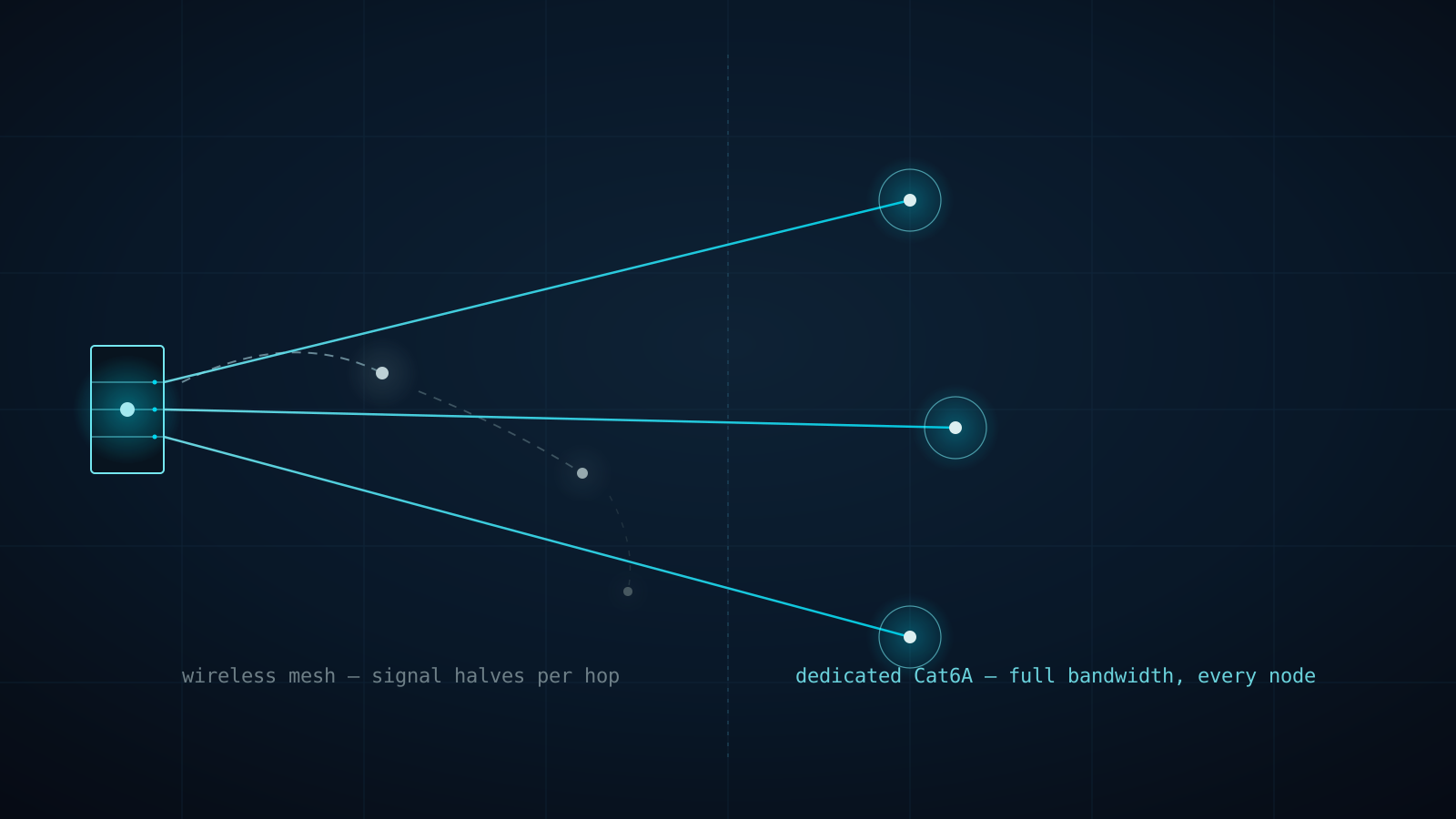
A three-node consumer mesh kit doesn't triple your Wi-Fi — it splits one radio's bandwidth across every hop back to the router. Here's why Connected Estate runs dedicated Cat6A to every eero PoE 7 access point instead of letting them talk to each other wirelessly.

One Flat Network, One Compromised Bulb: Why Estates Need Firewalla Gold Pro and Real VLAN Segmentation
Every device on a stock router shares one broadcast domain — the pool pump controller can see the NAS, and a guest's phone can see the cameras. Here's why Firewalla Gold Pro and hardware-enforced VLANs are the professional fix for St. Cloud and Harmony estates.
Why Your Wi-Fi Dies at the Lanai: Outdoor PoE+ Access Points for St. Cloud & Harmony Estates
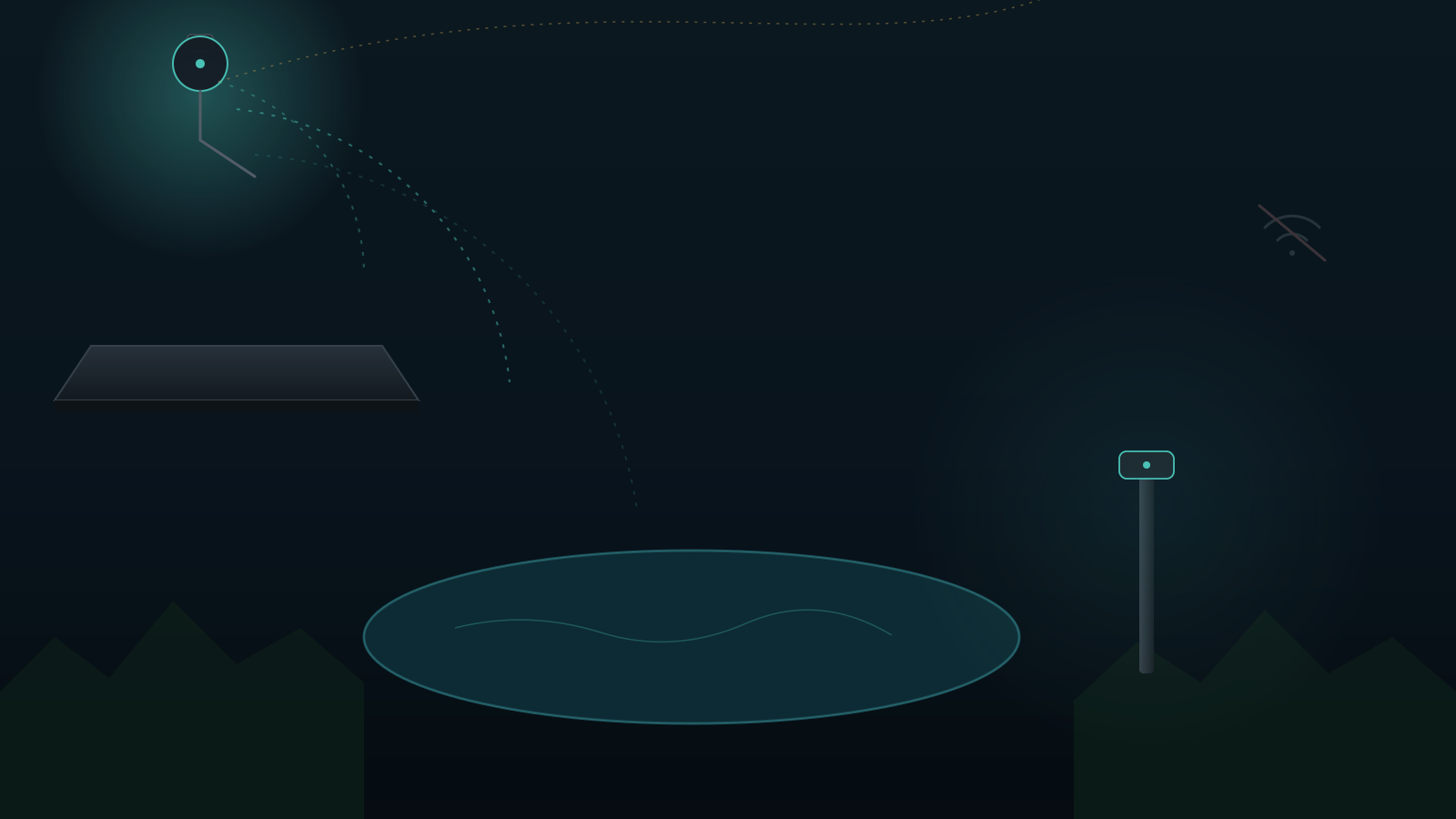
Indoor routers can't punch through stucco, low-E glass, and pool cages. Here's why eero Outdoor 7 and UniFi U7 Outdoor PoE+ access points are the professional fix for dead zones on large Central Florida lots.