
One Flat Network, One Compromised Bulb: Why Estates Need Firewalla Gold Pro and Real VLAN Segmentation

Count the devices on your home network right now: pool pump controller, four security cameras, a dozen smart bulbs, two kids' tablets, a smart TV, a robot vacuum, and whatever a contractor's technician plugged in last month to service the irrigation system. On a stock router or mesh app, every one of them lives on the same flat network — which means every one of them can, in principle, talk directly to your NAS, your work laptop, and your NVR footage.
That's not a hypothetical. It's how consumer routers ship by default: one subnet, one broadcast domain, and a "firewall" that only inspects traffic crossing the WAN boundary — not traffic moving between devices already inside your house. A smart bulb doesn't need to see your file server. On most estates, it can anyway.
Quick answer: A consumer router's built-in firewall protects the perimeter, not the interior. Firewalla Gold Pro adds hardware-speed deep packet inspection at the gateway, and VLAN segmentation splits your network into isolated zones — trusted devices, IoT, cameras, and guests — so a compromised smart plug can't reach anything that matters.
- A flat network means lateral movement is free: one weak IoT device is a bridge to everything else on the LAN, not just an inconvenience contained to itself
- Firewalla Gold Pro enforces segmentation and inspection in dedicated hardware at multi-gigabit line rate, without the throughput penalty of running these rules in software on a router CPU
The Fast Verdict: Router App "Security" vs. Firewalla Gold Pro + VLAN Architecture
| Security Metric | Router / Mesh App "Security" | Firewalla Gold Pro + VLAN Segmentation |
|---|---|---|
| Network Topology | One flat subnet — every device sees every device | Isolated VLANs for trusted, IoT, cameras, and guest traffic |
| Inspection Point | WAN boundary only — inside-the-LAN traffic is invisible | Every inter-VLAN hop is inspected and rule-checked in hardware |
| Compromised IoT Device | Free lateral access to your NAS, laptops, and cameras | Contained to its own VLAN — no path to trusted devices |
| Guest / Vendor Access | Same network as the family, or a separate SSID with no real isolation | Dedicated VLAN with internet-only access, zero visibility into the LAN |
| Throughput Under Inspection | Software-based rules bog down router CPUs at gigabit+ speeds | Dedicated ASIC handles inspection at 2.5–10 Gbps line rate |
| Visibility | A device list with names you have to guess | Per-device flow logs, alerts, and rule enforcement across every VLAN |
The Rule of Thumb
Segmentation isn't paranoia, it's containment: a flat network turns every IoT device you add into a potential bridge to your most sensitive systems, while VLANs turn that same device into a dead end if it's ever compromised.
Enforce it in hardware, not an app: rules that live in a phone app or a router's software layer buckle under real traffic — a dedicated firewall appliance inspects and segments at full network speed, all the time, not just when nothing else is happening.
Professional Architecture: Connected Estate Engineering
VLAN segmentation done right isn't four SSIDs with different names — it's a routing and switching architecture where trusted devices, IoT, cameras, and guest traffic are hard-separated at Layer 3, with explicit rules governing what little cross-VLAN traffic is actually necessary (a phone on the trusted VLAN reaching the NVR's viewing app, for instance).
At Connected Estate, we design Firewalla Gold Pro deployments around your existing VLAN-aware switches and access points — UniFi or eero PoE 7 — mapping every device category on the property to its own segment, writing the inter-VLAN rules that allow only the traffic you actually need, and configuring the appliance to sit at the gateway where it can inspect everything crossing between zones. (Our practice is configuration-only — structured cabling and hardware mounting are handled by your low-voltage partner.)
1. Why a Flat Network Is a Liability, Not a Convenience
The appeal of a flat network is that everything "just works" — any device can reach any other device with zero configuration. That's also exactly the problem. A smart bulb with a firmware vulnerability, a robot vacuum phoning home to a manufacturer's cloud, or a vendor's laptop plugged in during a service call all sit on the same broadcast domain as your NAS, your home office, and your camera feeds. There's no technical barrier between "device that controls a light" and "device that could exfiltrate your files" — only the assumption that nothing will go wrong.
2. Firewalla Gold Pro: Hardware Inspection Without Enterprise Complexity
Firewalla Gold Pro runs deep packet inspection, intrusion detection, and VLAN routing on purpose-built hardware rather than borrowing CPU cycles from a consumer router — which is why it holds 2.5–10 Gbps throughput even with every rule active, instead of the connection drops and slowdowns that show up when a router tries to run the same logic in software. It gives us the segmentation and enforcement capability of an enterprise firewall appliance, managed through an interface built for a residential deployment rather than a corporate IT team.
3. VLAN Architecture in Practice: How We Segment an Estate
A typical Connected Estate deployment splits the network into four to six VLANs: a trusted VLAN for family devices and home office equipment, an IoT VLAN for smart bulbs, thermostats, and appliances, a dedicated camera/NVR VLAN that never touches the internet directly, and a guest/vendor VLAN with internet-only access and zero LAN visibility. Firewalla Gold Pro enforces the boundaries between them, so a compromised device in one VLAN has no path to anything running in another — containment by architecture, not by hoping nothing gets infected.
Frequently Asked Questions
What's the difference between Firewalla Gold Pro and my router's built-in firewall?
Your router's firewall inspects traffic crossing the WAN boundary — the line between your home and the internet. It has no visibility into traffic moving between devices already inside your house, which is exactly the path a compromised IoT device uses to reach your NAS or cameras. Firewalla Gold Pro sits at the gateway and inspects traffic crossing between VLANs as well, closing that gap.
Do I need VLANs if I already have a mesh Wi-Fi system like eero PoE 7?
Yes, and the two work together rather than competing. eero PoE 7 (especially over wired backhaul) handles coverage and client connectivity; VLAN segmentation and Firewalla Gold Pro handle what happens after a device connects — which zone it lands in and what it's allowed to reach. A great mesh system with no segmentation still leaves every device on one flat network.
Will VLAN segmentation slow down my network or smart home devices?
No, when it's architected correctly. Devices within their own VLAN — your smart bulbs talking to their hub, for instance — see no difference at all. The only traffic that crosses VLAN boundaries is the specific, necessary paths we configure, like a phone on the trusted VLAN reaching the camera system's app, and Firewalla Gold Pro's dedicated hardware inspects that traffic at full line rate rather than throttling it.
Ready to find out how exposed your current network really is? Book your Estate Discovery and we'll map every device on your property to the segmentation it needs.
Written by
Andrew Marty
Founder of Connected Estate. 15+ years in enterprise IT, now configuring Central Florida's most demanding smart home networks.
Connect on LinkedInReady to fix it for good?
Book your Estate Discovery and we'll map exactly what your estate needs.
Book Your Estate DiscoveryContinue Reading
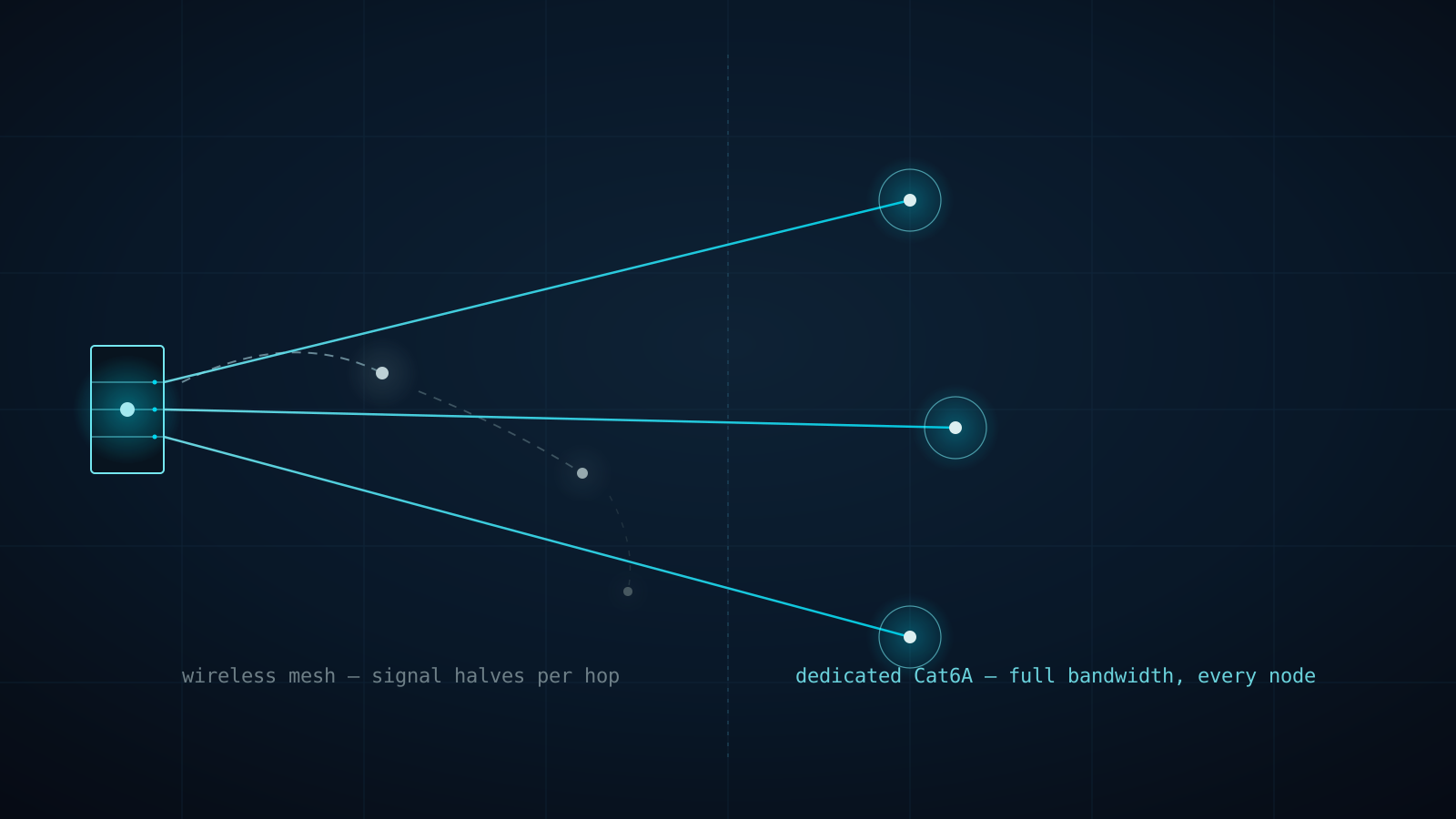
Why Every eero PoE 7 Access Point Gets Its Own Cat6A Home Run (Not a Wireless Hop)
A three-node consumer mesh kit doesn't triple your Wi-Fi — it splits one radio's bandwidth across every hop back to the router. Here's why Connected Estate runs dedicated Cat6A to every eero PoE 7 access point instead of letting them talk to each other wirelessly.
Why Your Wi-Fi Dies at the Lanai: Outdoor PoE+ Access Points for St. Cloud & Harmony Estates
Indoor routers can't punch through stucco, low-E glass, and pool cages. Here's why eero Outdoor 7 and UniFi U7 Outdoor PoE+ access points are the professional fix for dead zones on large Central Florida lots.

Why St. Cloud & Harmony Estates Are Ditching Wi-Fi Smart Switches for Lutron RadioRA 3
Every Wi-Fi smart switch is another client competing for airtime on your home network, and another single point of failure at the breaker. Here's why Lutron RadioRA 3's dedicated Clear Connect RF backbone is the professional lighting standard for Central Florida estates.