Why Every eero PoE 7 Access Point Gets Its Own Cat6A Home Run (Not a Wireless Hop)
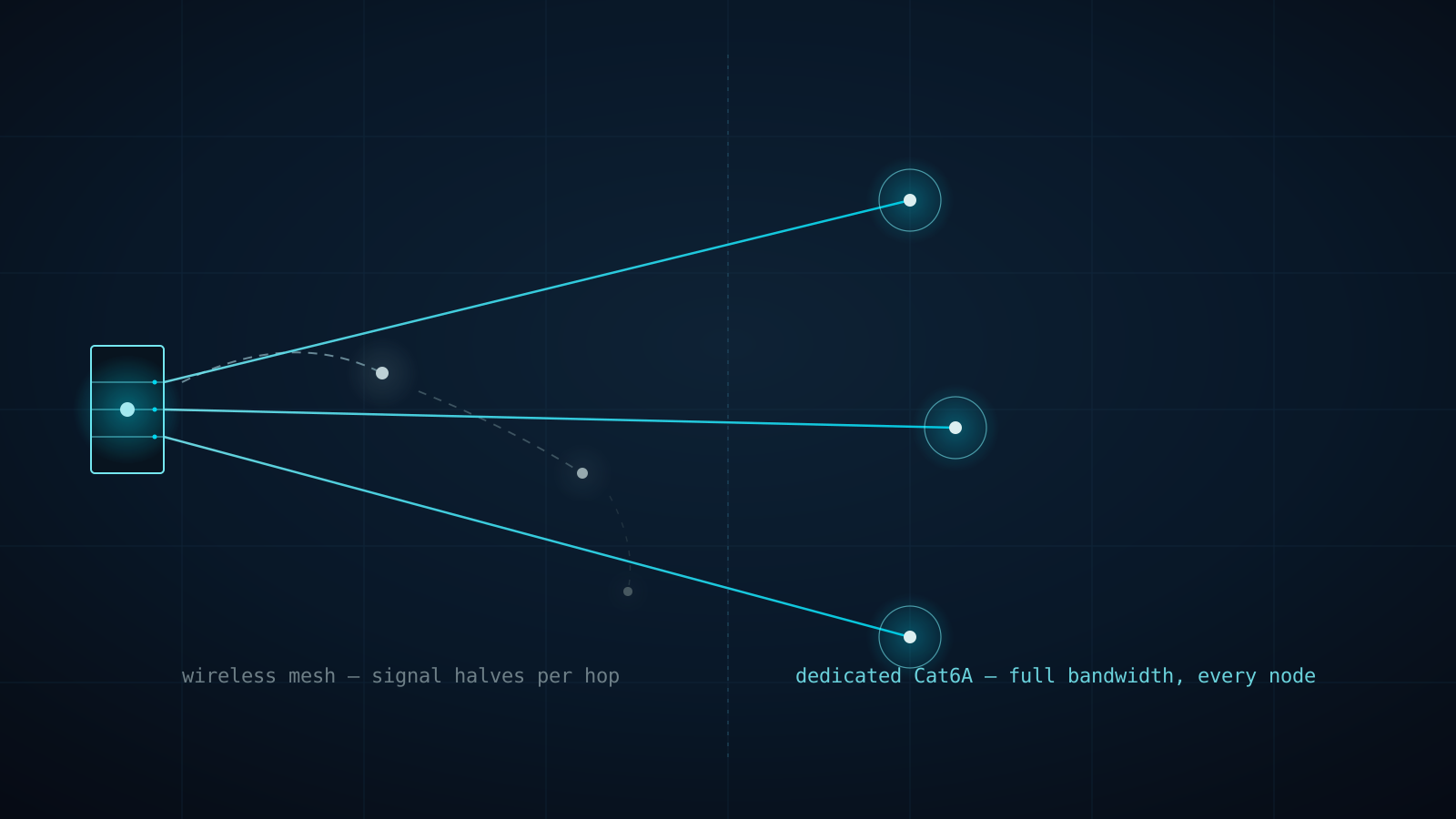
Every consumer mesh kit on the shelf at a big-box store solves coverage the same way: drop a satellite node in a dead room, let it talk wirelessly back to the router, done. What the box doesn't say is that the satellite node is splitting its one radio's airtime between serving your devices and relaying that same traffic back to the router — and it does that again at every additional hop. A three-node mesh system in a 6,000 sq ft St. Cloud estate isn't giving you three access points' worth of bandwidth. It's giving you one access point's bandwidth, taxed by every hop between the farthest node and the router.
Quick answer: Wireless mesh backhaul shares a single radio between client traffic and inter-node relay traffic, cutting effective throughput roughly in half at every hop. A wired backhaul architecture gives every eero PoE 7 access point its own dedicated Cat6A home run to a PoE switch, so each AP gets full-radio performance regardless of how many access points the estate has.
| Wireless Mesh Hops | Wired Cat6A Backhaul | |
|---|---|---|
| Backhaul path | Shares the AP's own radio with client traffic | Dedicated Cat6A run, isolated from Wi-Fi entirely |
| Throughput per hop | Drops roughly 50% at each additional hop | Full gigabit+ to every AP, no degradation with distance |
| Scalability | Adding nodes adds relay overhead to the chain | Adding APs adds capacity — no shared bottleneck |
| Failure mode | One dead node can cut off everything behind it | Each AP fails independently; no chain to break |
| Placement constraints | Nodes must stay within radio range of each other | AP placement driven by coverage, not mesh-chain geometry |
| Best fit | Small homes, temporary setups, rentals | Full-time residences, especially 4,000+ sq ft estates |
The rule of thumb:
- If an access point's backhaul is wireless, every device connected to it is sharing bandwidth with the relay traffic keeping that node online — the estate feels slower the farther a room sits from the router.
- A dedicated Cat6A run to every AP removes backhaul from the equation entirely; the only limit on any single access point is its own radio, not how many hops of mesh sit between it and the router.
The problem hides behind a "good enough" speed test
A speed test run standing next to the router looks perfect on a mesh system — that node has full backhaul because it's talking directly to the source. Walk to the primary suite, the pool cabana, or the home theater at the far end of the house, and the number drops hard, because now the request is transiting one or two wireless hops before it even reaches the internet connection. Streaming stutters, a video call drops, a security camera's live view lags by a full second — and none of it shows up on a review of the internet plan, because the bottleneck is inside the house, not outside it.
The Connected Estate approach: home-run every access point
We treat wireless mesh backhaul the way a structured cabling professional treats a daisy-chained extension cord: it works, until it doesn't, and it never scales cleanly. Every eero PoE 7 access point we deploy gets its own dedicated Cat6A cable run back to a central PoE switch in the equipment closet — the same architecture used in commercial and enterprise deployments, just sized for a residential footprint.
Physical wiring: one home run per access point, no exceptions
A proper deployment means pulling individual Cat6A conductors from the equipment closet to every AP location determined during the site survey — not looping one cable AP-to-AP, and never relying on a wireless hop to reach a detached structure. Each run terminates at a PoE switch that delivers both data and power over the same cable, eliminating a separate power adapter and outlet at every AP location. During a pre-wire consultation on new construction, this is a rough-in decision made before drywall; on a retrofit, it's a survey-driven cable path through attic space and wall cavities engineered to avoid visible conduit.
Processing power: full radio bandwidth at every node
Because backhaul traffic never touches the Wi-Fi radio, every eero PoE 7 access point in the estate delivers its full rated throughput to connected devices simultaneously — not a shared allocation split across a hop count. That matters most at the moments an estate actually stresses the network: a 4K security feed streaming from the pool house AP while a video call runs off the primary suite AP and a media room streams in parallel. On a wired backhaul, those three access points never compete with each other for the same radio.
Architectural advantages at scale
A wired backhaul scales linearly — adding a fourth, fifth, or sixth access point for a guest house or detached garage adds capacity to the network without adding a single additional hop of latency anywhere else on the estate. It also isolates failure: a damaged cable or a failed AP takes down that one location, not everything relayed behind it. Paired with a Firewalla Gold Pro gateway for VLAN segmentation, the wired backhaul becomes the physical foundation the rest of the network architecture depends on — the same principle behind every network we design: dedicated infrastructure for each job, not one shared resource doing everything at once.
Frequently asked questions
Is wireless mesh backhaul ever an acceptable choice?
For a small condo, a rental property, or a temporary setup where running cable isn't possible, a one-hop mesh system is a reasonable compromise. Past roughly 3,000 sq ft, multiple floors, or any detached structure, we don't recommend it — the throughput loss compounds with every hop, and Central Florida's block-and-stucco construction already attenuates the wireless signal before the backhaul penalty even applies.
Can existing eero mesh nodes be converted to wired backhaul without replacing them?
Often, yes. If the eero PoE 7 nodes are already in place, running Cat6A to each one and connecting it to a PoE switch converts it from a wireless-backhaul satellite to a wired access point immediately — no new hardware required, just the cable run and switch port. We assess this during a site survey before recommending a full hardware refresh.
Does wired backhaul mean more equipment in the house?
It means one centralized PoE switch in the equipment closet rather than a wireless node's internal antenna doing double duty. In practice it's less visible clutter — no dedicated power brick at each AP location, since Power over Ethernet supplies both data and power over the single Cat6A run.
Get your estate's backhaul assessed
If your network feels fast in one room and sluggish in another, the cause is often the wireless hop count between you and the router — not your internet plan. Book your Estate Discovery and we'll map every access point in your St. Cloud or Harmony estate back to a proper wired backhaul architecture.
Written by
Andrew Marty
Founder of Connected Estate. 15+ years in enterprise IT, now configuring Central Florida's most demanding smart home networks.
Connect on LinkedInReady to fix it for good?
Book your Estate Discovery and we'll map exactly what your estate needs.
Book Your Estate DiscoveryContinue Reading

One Flat Network, One Compromised Bulb: Why Estates Need Firewalla Gold Pro and Real VLAN Segmentation
Every device on a stock router shares one broadcast domain — the pool pump controller can see the NAS, and a guest's phone can see the cameras. Here's why Firewalla Gold Pro and hardware-enforced VLANs are the professional fix for St. Cloud and Harmony estates.
Why Your Wi-Fi Dies at the Lanai: Outdoor PoE+ Access Points for St. Cloud & Harmony Estates
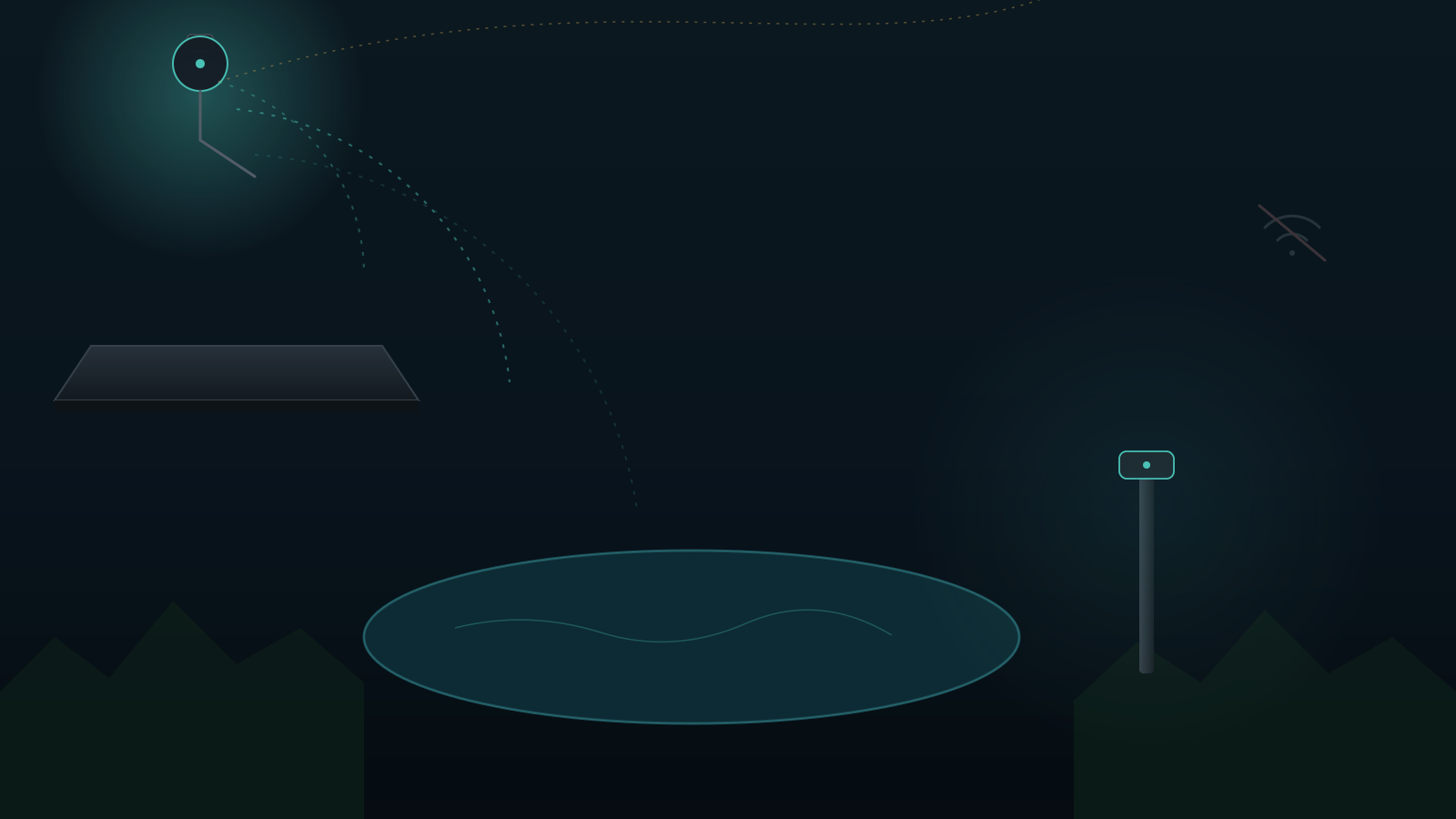
Indoor routers can't punch through stucco, low-E glass, and pool cages. Here's why eero Outdoor 7 and UniFi U7 Outdoor PoE+ access points are the professional fix for dead zones on large Central Florida lots.

Why St. Cloud & Harmony Estates Are Ditching Wi-Fi Smart Switches for Lutron RadioRA 3
Every Wi-Fi smart switch is another client competing for airtime on your home network, and another single point of failure at the breaker. Here's why Lutron RadioRA 3's dedicated Clear Connect RF backbone is the professional lighting standard for Central Florida estates.