Is Your Smart Home Spying on You? The Privacy Risks Luxury Estates Overlook
A $2M+ estate typically runs 50 to 150 connected devices — cameras, locks, thermostats, lighting, speakers, irrigation controllers, and at least one voice assistant listening in every room. Most of them sit on the exact same network as the laptop with your tax returns and the phone with your banking app. That's the actual privacy risk, and it has nothing to do with any single device being "hackable."
Quick answer: The real smart home security risk is lateral movement across a flat, unsegmented network — not any single device being hacked.
- A typical luxury estate runs 50–150 connected devices, often all on one shared network with personal computers
- Fix: VLAN segmentation (IoT, guest, and primary devices isolated) plus a dedicated security gateway (Firewalla) enforcing it
- Cloud-based smart home platforms add a second risk — vendor data collection and breach exposure; Home Assistant run locally eliminates both
The real vulnerability isn't the device — it's the network
Security researchers don't worry about a smart bulb getting hacked because someone wants to control your lights. They worry about it because a compromised bulb, camera, or thermostat becomes a foothold — a device already inside your network, trusted by default, that an attacker can pivot from to reach whatever else is on that same flat network.
On a typical consumer mesh router (eero, Google Wifi, Orbi out of the box), every device — the security camera, the guest's phone, your primary computer — sits on one shared network with no separation. If any one device is compromised, nothing stops lateral movement to the rest.
What "no cloud dependency" actually protects against
Most consumer smart home platforms route your data through the manufacturer's cloud by design — your camera footage, your voice commands, your presence patterns, all passing through (and often stored on) a third party's servers. Two separate risks follow from that:
- A breach at the vendor exposes you, even if your own network is fine. Consumer IoT vendors have a long track record of cloud breaches exposing customer camera feeds and credentials.
- The vendor itself is a data collector. "Free" cloud smart home platforms often monetize usage data — when you're home, what devices you use, when you're away.
Home Assistant, run locally on hardware you own inside your home, eliminates both. Automations execute on your network, not a data center in another state. No subscription, no cloud outage taking down your locks, and no vendor with a standing copy of your routines.
Network segmentation: the actual fix
This is the core of what we deploy on every engagement, and it's the single highest-leverage security decision in a luxury estate's network:
- IoT devices on their own VLAN — cameras, locks, thermostats, and speakers isolated from your primary devices. A compromised smart plug can't reach your laptop because it's never on the same network segment.
- A separate guest network — visitors get internet access, nothing else. No visibility into your cameras, your NAS, or your other devices.
- Your primary network stays untouched — personal computers, phones, and work devices on a segment that IoT traffic never crosses into.
- A dedicated security gateway (we use Firewalla Gold/Plus/Pro) enforcing the segmentation, running intrusion detection, and blocking known-malicious traffic at the edge — before it ever reaches a device.
This is what we mean by the "digital moat": not one product, but an architecture where compromise of any single device is contained, not catastrophic.
What this looks like day to day
Segmentation is invisible in normal use. Your phone still controls every light, lock, and camera through one dashboard. What changes is what happens if something goes wrong — a contained incident instead of open access to your entire home.
How we assess this
Every Estate Discovery includes a security and segmentation review of your existing network — what's exposed, what's cloud-dependent, and what a proper VLAN architecture would look like for your specific device count and property. Book your Estate Discovery and we'll show you exactly where the gaps are.
Written by
Andrew Marty
Founder of Connected Estate. 15+ years in enterprise IT, now configuring Central Florida's most demanding smart home networks.
Connect on LinkedInReady to fix it for good?
Book your Estate Discovery and we'll map exactly what your estate needs.
Book Your Estate DiscoveryContinue Reading

Lutron RadioRA 3 Clear Connect Design: Where the RF Backbone Ends and Your Wired Network Begins
RadioRA 3 keeps your lights off the Wi-Fi, but its processor, repeaters, and integrations still depend on clean wiring. Here's how to design the Clear Connect backbone and the Ethernet behind it for a Central Florida estate.
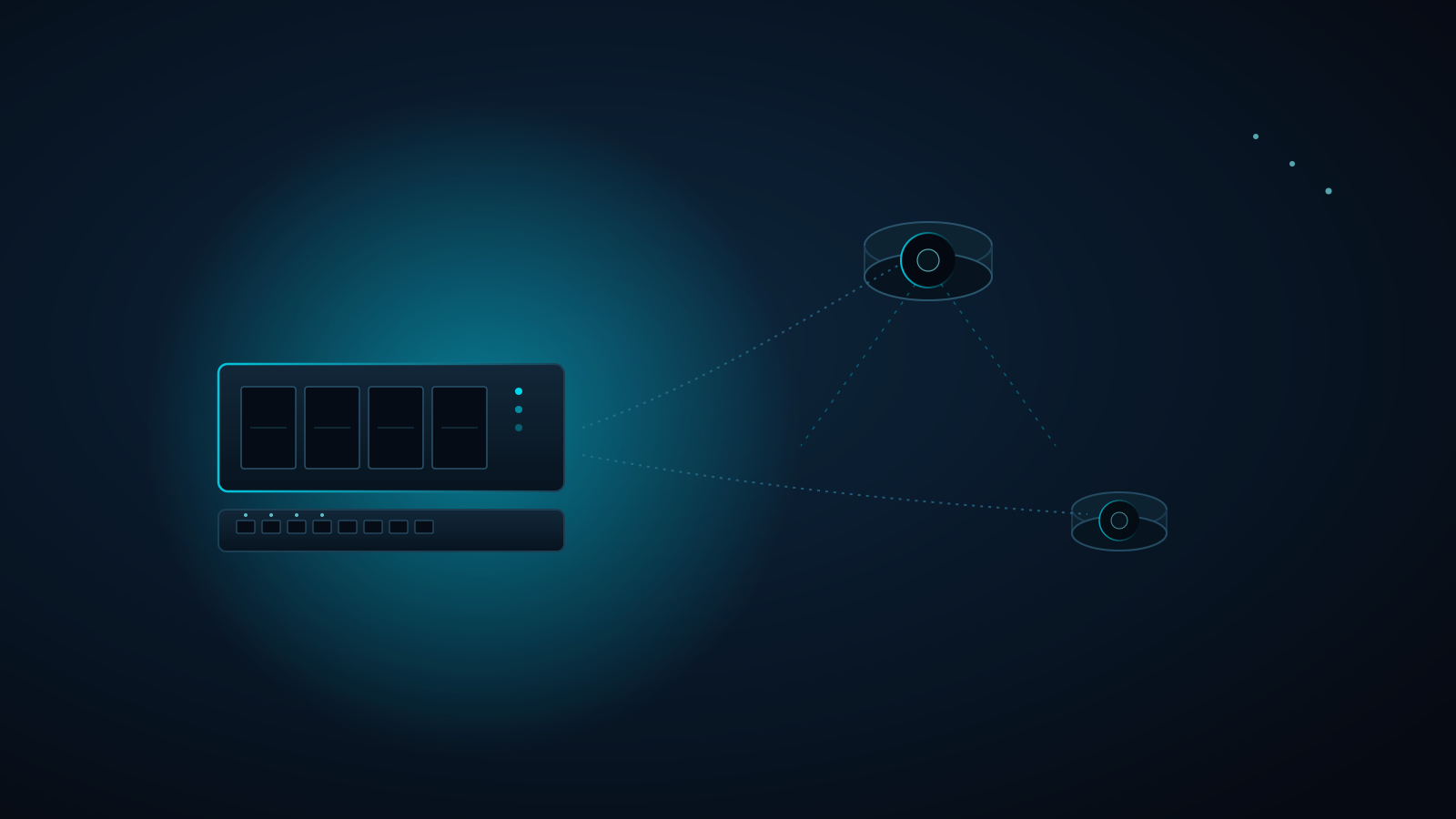
UniFi Protect NVR vs. Ring & Nest Subscriptions: What Your Estate's Camera Storage Really Costs
A dozen cloud cameras means a dozen recurring subscriptions and footage that lives on someone else's servers. Here's how a hardwired PoE UniFi Protect NVR changes the math, and how to size storage so you keep the footage you actually need.
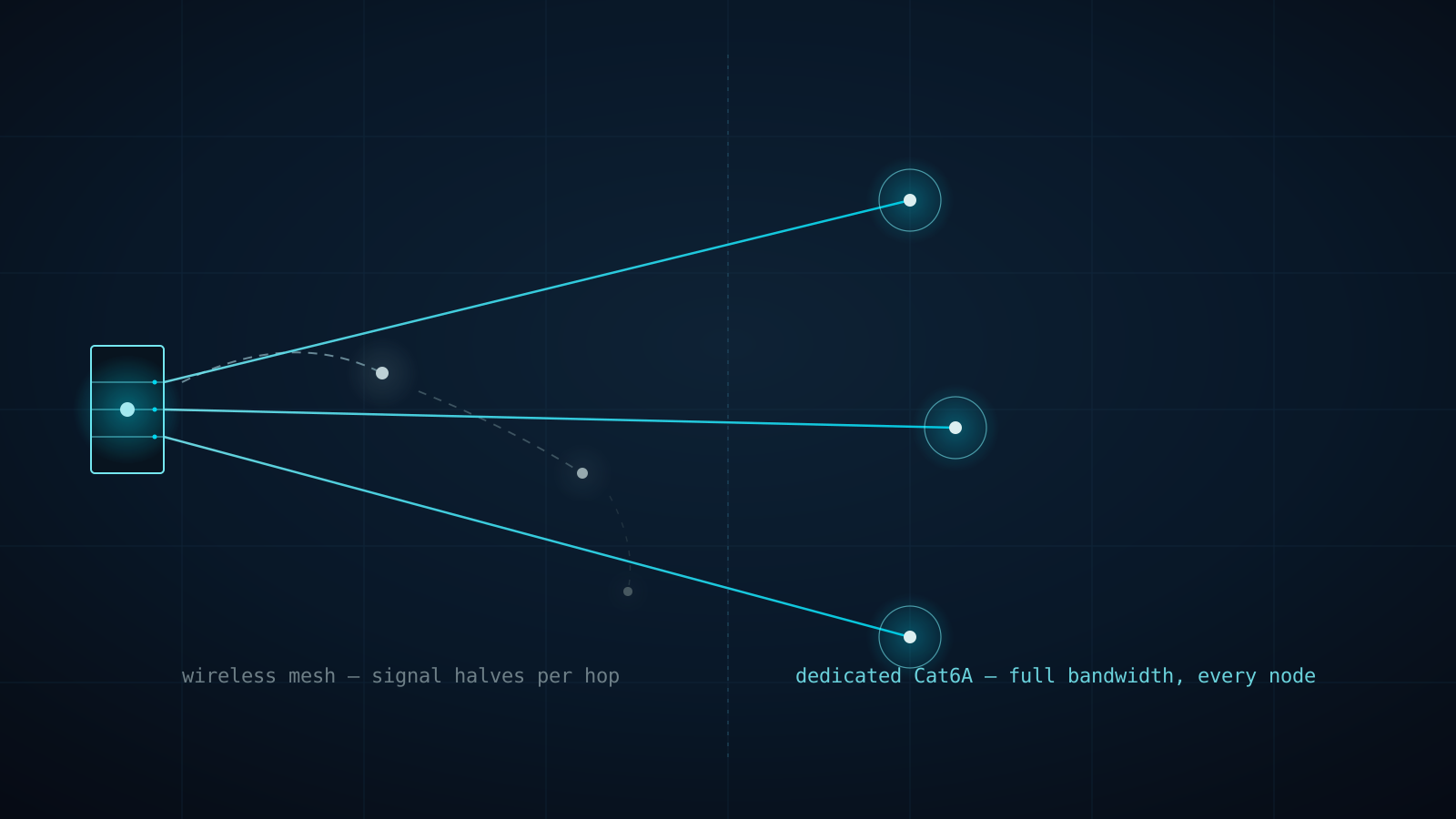
Why Every eero PoE 7 Access Point Gets Its Own Cat6A Home Run (Not a Wireless Hop)
A three-node consumer mesh kit doesn't triple your Wi-Fi — it splits one radio's bandwidth across every hop back to the router. Here's why Connected Estate runs dedicated Cat6A to every eero PoE 7 access point instead of letting them talk to each other wirelessly.