Lutron RadioRA 3 Clear Connect Design: Where the RF Backbone Ends and Your Wired Network Begins

Wi-Fi smart switches turn every light in a large home into a network client, and the first time the router reboots, half the house stops responding. Lutron RadioRA 3 avoids that by moving lighting control onto its own Clear Connect RF backbone, but "wireless" does not mean "no infrastructure." The processor, the repeaters, and the Ethernet that ties them to the rest of the estate still decide whether the system feels instant or flaky.
Quick answer: In a RadioRA 3 system, dimmers and keypads talk to each other over Clear Connect RF, and a single processor on a wired Ethernet connection coordinates them. Wi-Fi is only needed for the app, voice assistants, and integrations. Get the processor placement, repeater spacing, and wired uplink right, and lighting keeps working even when the internet does not.
| Wi-Fi Smart Switches (Consumer) | Lutron RadioRA 3 (Clear Connect RF) | |
|---|---|---|
| Control path | Each switch is a Wi-Fi client, often routed through a vendor cloud | Switches and keypads talk RF to a local processor |
| Load on your Wi-Fi | One more client per switch; 40 to 80 in a large home | Essentially one wired processor |
| Router reboot or internet outage | Switches may go unresponsive or lose scenes | Local scenes and schedules keep running |
| Range planning | Depends on every room's Wi-Fi signal | Repeaters placed deliberately across the footprint |
| Network wiring needed | None, but the Wi-Fi must be flawless everywhere | One Cat6 run to the processor, plus repeater power |
| Failure mode | One flaky client or router update can affect many switches | A bad processor location or missing repeater is a design problem, fixable once |
The rule of thumb:
- Put the RadioRA 3 processor on a wired Ethernet port in a central, open location, never on a Wi-Fi extender or in a metal-lined closet.
- Plan repeaters as part of the electrical rough-in, so RF coverage across block, stucco, and multiple floors is designed rather than discovered.
The problem: lighting that depends on a network it should not share
Large Central Florida homes are hard on radio. Block construction, foil-backed insulation, low-e glass, and two-story great rooms all attenuate signals, and the Wi-Fi that serves a phone in the kitchen may be marginal at a switch inside a far-wing bathroom. When lighting rides on that same Wi-Fi, a mesh reconfiguration, a firmware update, or a congested channel shows up as a light that takes three seconds to respond or a scene that only half-executes.
The Connected Estate solution: RF for the lights, Ethernet for the brain
At Connected Estate, we treat RadioRA 3 as a purpose-built control system with its own requirements, then connect it to a network we have already segmented and hardened. The lights communicate over Clear Connect RF, a dedicated frequency band that is separate from 2.4, 5, and 6 GHz Wi-Fi. The processor gets a wired connection on an IoT VLAN. Everything that does need Wi-Fi, such as the phone app, stays a convenience layer rather than the thing your lighting depends on.
Physical layout: processor placement and repeaters
The processor should sit centrally and in the open, wired back to the main rack or a nearby switch. Where the rack is in a utility room or a metal enclosure, we run a Cat6 drop to a better location instead of compromising RF. Repeaters are placed on a coverage plan we sketch during the site survey, with attention to floor transitions, thick walls, and detached spaces like a pool house or guest suite. Because repeaters need power at their location, it is far cheaper to specify those outlets during rough-in than to retrofit them after drywall.
Processing power: local scenes and schedules
The RadioRA 3 processor stores scenes, schedules, and keypad programming locally. That means "Good Night," sunset schedules, and keypad button presses are executed inside the house, not routed to a cloud service. A router reboot or an internet outage does not change how a keypad behaves. We pair this with a UPS on the rack so the processor and its network switch ride through the short power events common in Central Florida storm season.
Integration without dependence: VLANs and firewall rules
Integrations with shades, thermostats, AV systems, and voice assistants still need to cross the network. We place the processor on an IoT VLAN behind a hardware firewall and allow only the specific traffic those integrations require. That keeps a compromised smart speaker or guest device from reaching the lighting controller, and it gives you a clear, auditable list of what is allowed to talk to what. The segmentation approach is the same one we use for the rest of the estate network.
Frequently asked questions
Does Lutron RadioRA 3 work without internet?
Yes. Dimmers, keypads, scenes, and schedules run locally through the processor over Clear Connect RF. Internet access is only needed for remote control from outside the home and some cloud-based voice integrations.
How many repeaters does a RadioRA 3 system need?
It depends on the home's size, construction, and layout, not a fixed formula. Block walls, multiple floors, and detached buildings typically need more coverage planning than a single-story frame house. A site survey lets us place repeaters deliberately instead of adding them after problems appear.
Does RadioRA 3 interfere with my Wi-Fi?
No. Clear Connect RF operates on a separate band from Wi-Fi, so it neither competes with your access points for airtime nor is affected by Wi-Fi congestion. The only network load is the processor's single wired connection.
Book a localized diagnostic site survey
If you are building, renovating, or living in a St. Cloud or Harmony estate and want lighting that does not depend on your Wi-Fi, book a localized diagnostic site survey. We will walk the property, plan processor and repeater placement, check your rack and power backup, and map the wired network that supports it.
Written by
Andrew Marty
Founder of Connected Estate. 15+ years in enterprise IT, now configuring Central Florida's most demanding smart home networks.
Connect on LinkedInReady to fix it for good?
Book your Estate Discovery and we'll map exactly what your estate needs.
Book Your Estate DiscoveryContinue Reading
UniFi Protect NVR vs. Ring & Nest Subscriptions: What Your Estate's Camera Storage Really Costs
A dozen cloud cameras means a dozen recurring subscriptions and footage that lives on someone else's servers. Here's how a hardwired PoE UniFi Protect NVR changes the math, and how to size storage so you keep the footage you actually need.
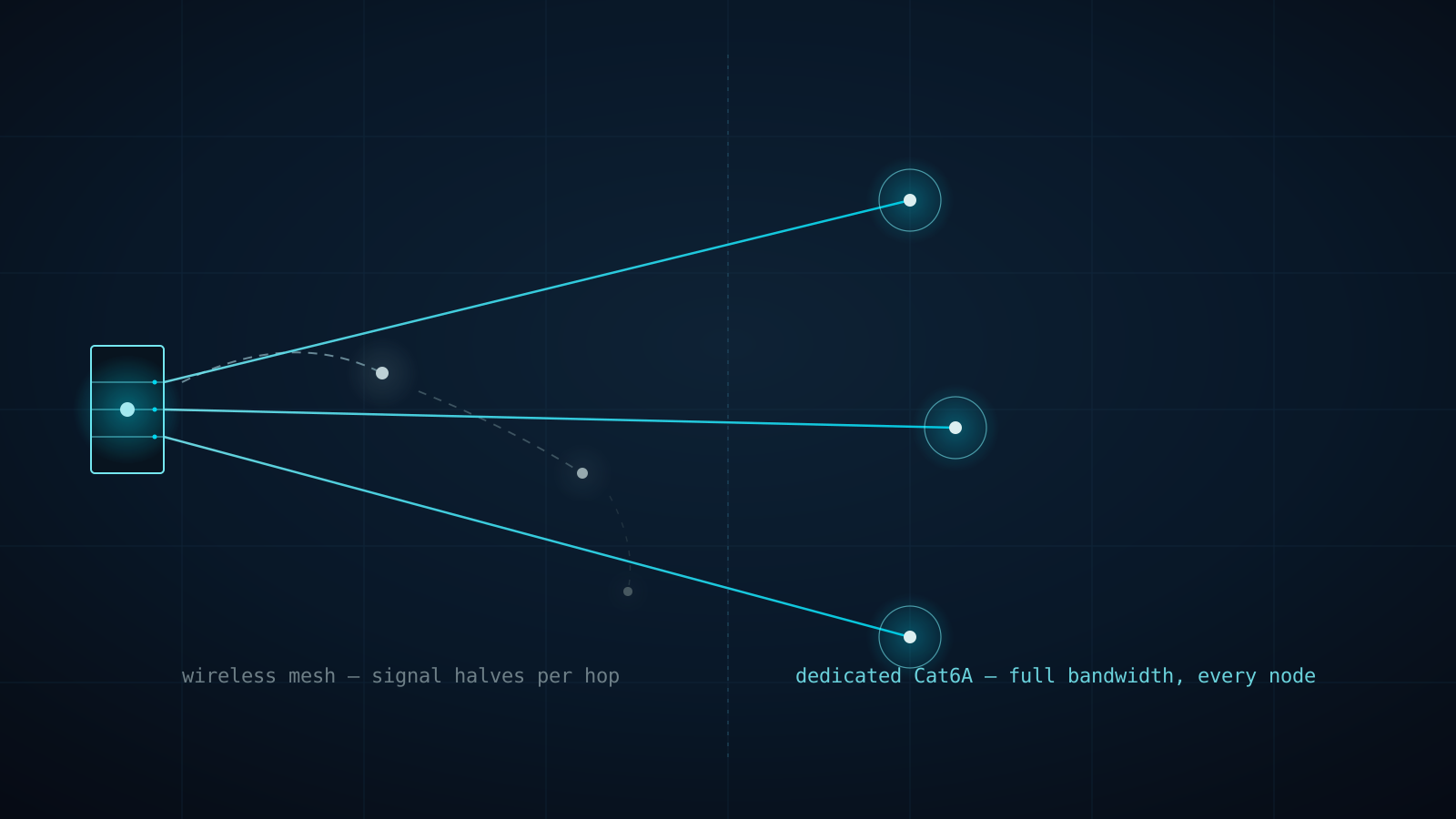
Why Every eero PoE 7 Access Point Gets Its Own Cat6A Home Run (Not a Wireless Hop)
A three-node consumer mesh kit doesn't triple your Wi-Fi — it splits one radio's bandwidth across every hop back to the router. Here's why Connected Estate runs dedicated Cat6A to every eero PoE 7 access point instead of letting them talk to each other wirelessly.

One Flat Network, One Compromised Bulb: Why Estates Need Firewalla Gold Pro and Real VLAN Segmentation
Every device on a stock router shares one broadcast domain — the pool pump controller can see the NAS, and a guest's phone can see the cameras. Here's why Firewalla Gold Pro and hardware-enforced VLANs are the professional fix for St. Cloud and Harmony estates.