
The Custom Home Builder's Guide to Pre-Wire Network Design
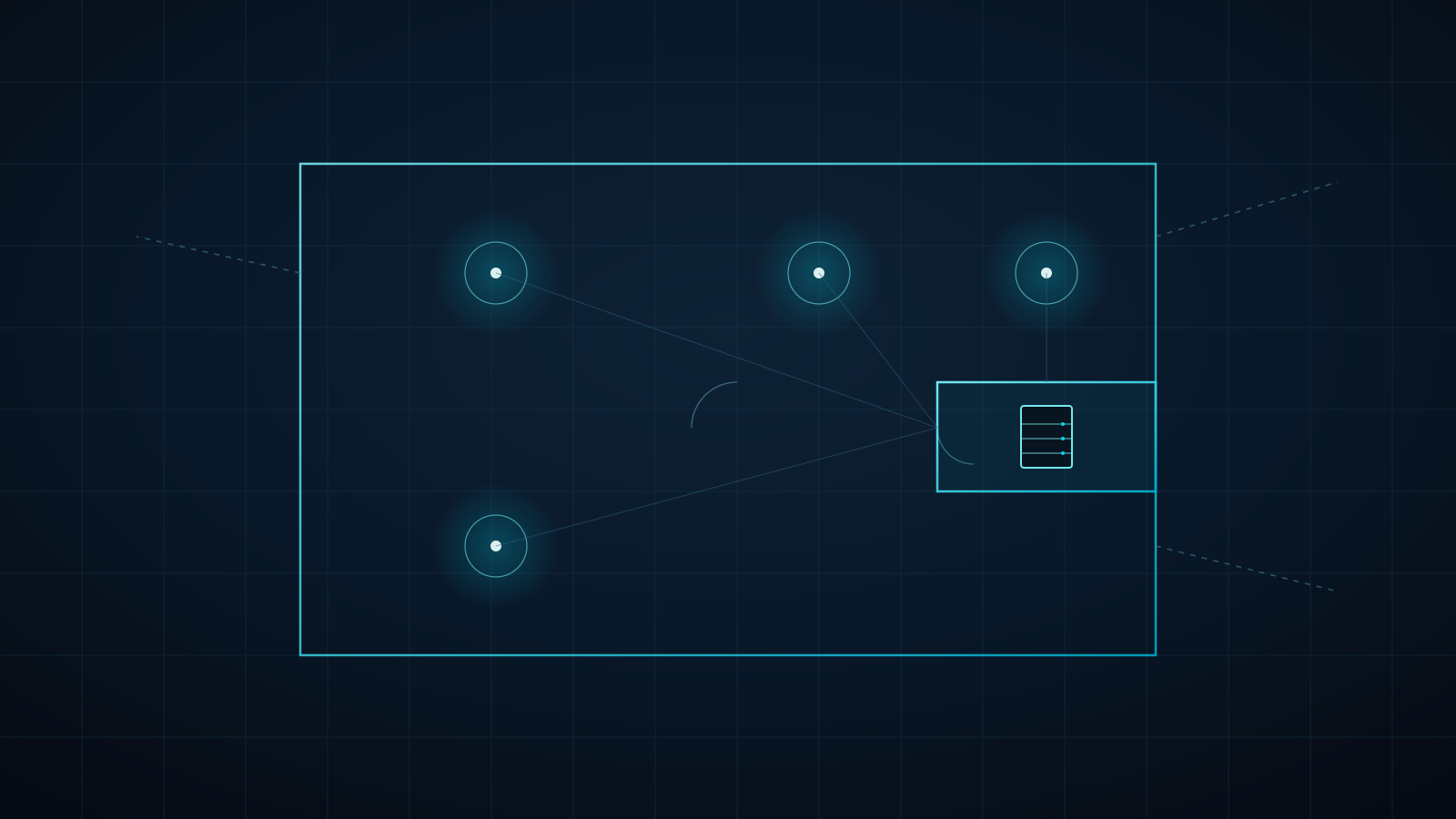
Every network problem we're called in to fix after a luxury home is finished traces back to the same root cause: nobody designed the network before the walls closed. Retrofitting AP placement, running new Cat6 through finished drywall, or relocating an equipment closet after the fact costs two to three times what it would have cost at the framing stage — and the owner is the one who pays for it, usually within the first year.
Quick answer: Pre-wire network design during the framing stage costs a fraction of retrofitting after drywall closes, and it's what makes a same-day owner-handover possible.
- Spec before drywall: AP placement mapped to the floor plan, structured Cat6 (minimum) backbone, a dedicated ventilated equipment closet, VLAN-ready cabling, and conduit for future-proofing
- Retrofitting the same infrastructure after finish costs two to three times more
- A pre-wired home turns the owner-handover into pure configuration instead of a construction project layered on top of a finished home
Why pre-wire beats retrofit every time
Once drywall is up, every network change becomes a construction project: cutting access, fishing cable through insulated walls, patching and repainting. At the framing stage, the same work is a few extra cable runs before the walls close. The cost difference isn't marginal — it's the difference between an electrician's afternoon and a full trade callback.
Pre-wire also determines what's even possible later. A structured cabling backbone run during framing supports Wi-Fi 7 access points, PoE cameras, and a full VLAN architecture for the life of the home. Skip it, and the owner is permanently limited to whatever a consumer mesh router can do wirelessly — no matter how much they later want to invest in the network.
What we spec during a pre-handover consultation
- AP placement mapped to the floor plan — not guessed after the fact. We use the actual architectural drawings to place access points for full coverage across every finished space, including outdoor living areas and detached structures.
- Structured Cat6 (minimum) backbone — home runs from every AP location and camera position back to a central equipment point, rated for 10G-ready infrastructure even if the initial install doesn't need it yet.
- A dedicated equipment closet or panel location — ventilated, with power, sized for a security gateway, PoE switch, and patch panel. Not a coat closet retrofit.
- VLAN-ready cabling strategy — physical infrastructure that supports future network segmentation (IoT, guest, primary, security) without additional cable runs.
- Conduit for future-proofing — empty conduit runs to likely future device locations (a media room, a detached guest house, a pool equipment pad) cost almost nothing during framing and save a full re-trench later.
The owner-handover this sets up
A pre-wired home is what makes a same-day Grand Unification possible at closing or certificate of occupancy. Because the physical infrastructure already exists, our handover engagement becomes pure configuration — Home Assistant integration, network segmentation, smart lighting scenes, and a unified dashboard — instead of a construction project layered on top of a finished home.
That's the difference between an owner-handover that happens in days and one that requires opening walls the buyer just paid for.
When to bring us in
Ideally during the framing walk-through, before electrical rough-in locks in your junction box and conduit locations. We'll review the plans, mark AP and equipment-closet locations, and hand your electrician a cable-run spec — no ongoing commitment required until you're ready for the handover engagement itself.
Get the Builder Partnership Kit for the full pre-wire spec sheet and owner-handover pricing, or reach out directly to schedule a plan review for your next build.
Written by
Andrew Marty
Founder of Connected Estate. 15+ years in enterprise IT, now configuring Central Florida's most demanding smart home networks.
Connect on LinkedInReady to fix it for good?
Book your Estate Discovery and we'll map exactly what your estate needs.
Book Your Estate DiscoveryContinue Reading

Lutron RadioRA 3 Clear Connect Design: Where the RF Backbone Ends and Your Wired Network Begins
RadioRA 3 keeps your lights off the Wi-Fi, but its processor, repeaters, and integrations still depend on clean wiring. Here's how to design the Clear Connect backbone and the Ethernet behind it for a Central Florida estate.
UniFi Protect NVR vs. Ring & Nest Subscriptions: What Your Estate's Camera Storage Really Costs
A dozen cloud cameras means a dozen recurring subscriptions and footage that lives on someone else's servers. Here's how a hardwired PoE UniFi Protect NVR changes the math, and how to size storage so you keep the footage you actually need.
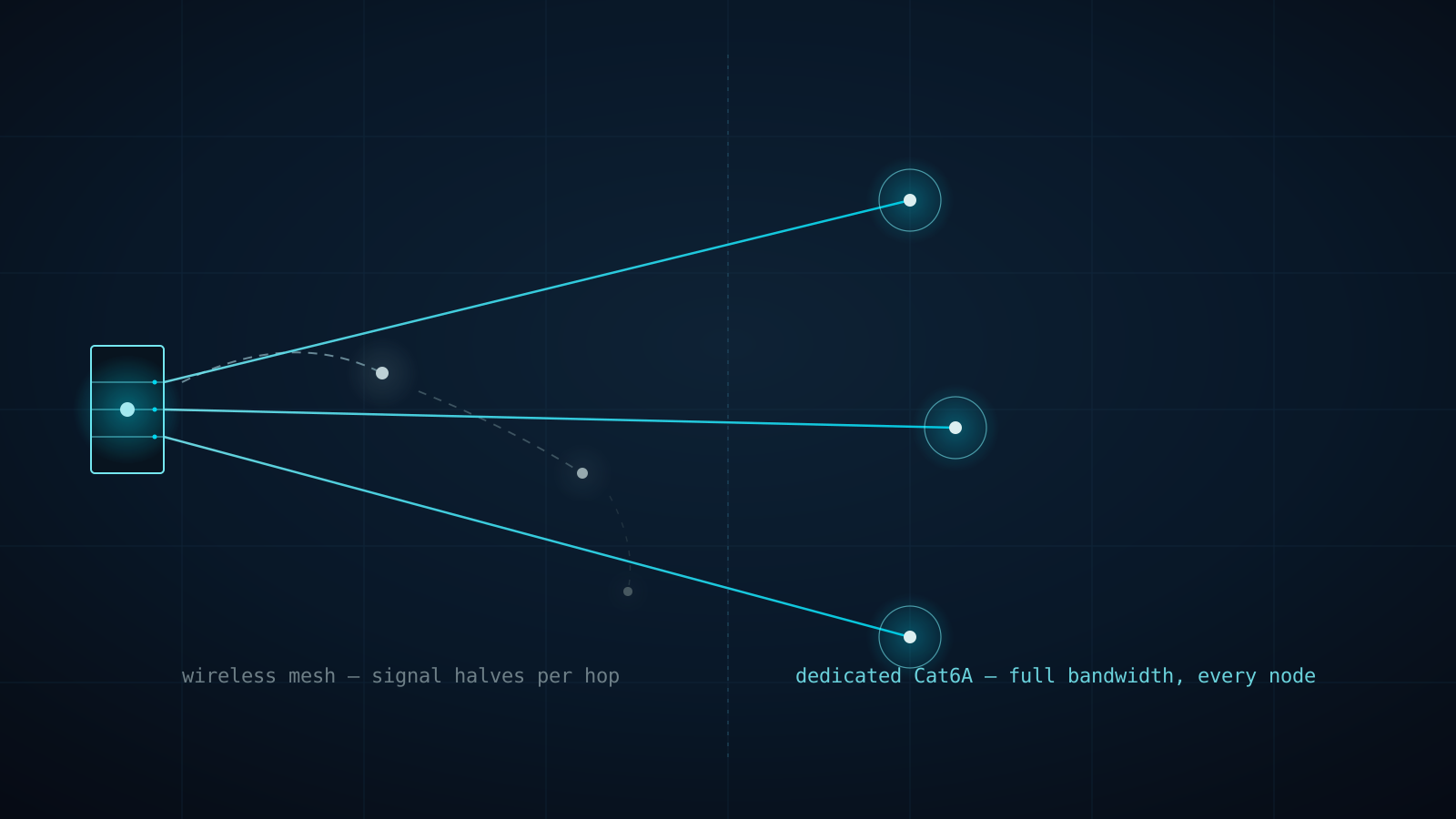
Why Every eero PoE 7 Access Point Gets Its Own Cat6A Home Run (Not a Wireless Hop)
A three-node consumer mesh kit doesn't triple your Wi-Fi — it splits one radio's bandwidth across every hop back to the router. Here's why Connected Estate runs dedicated Cat6A to every eero PoE 7 access point instead of letting them talk to each other wirelessly.