
Stop Renting Your Own Security Footage: Why St. Cloud & Harmony Estates Are Switching to Local NVR Storage
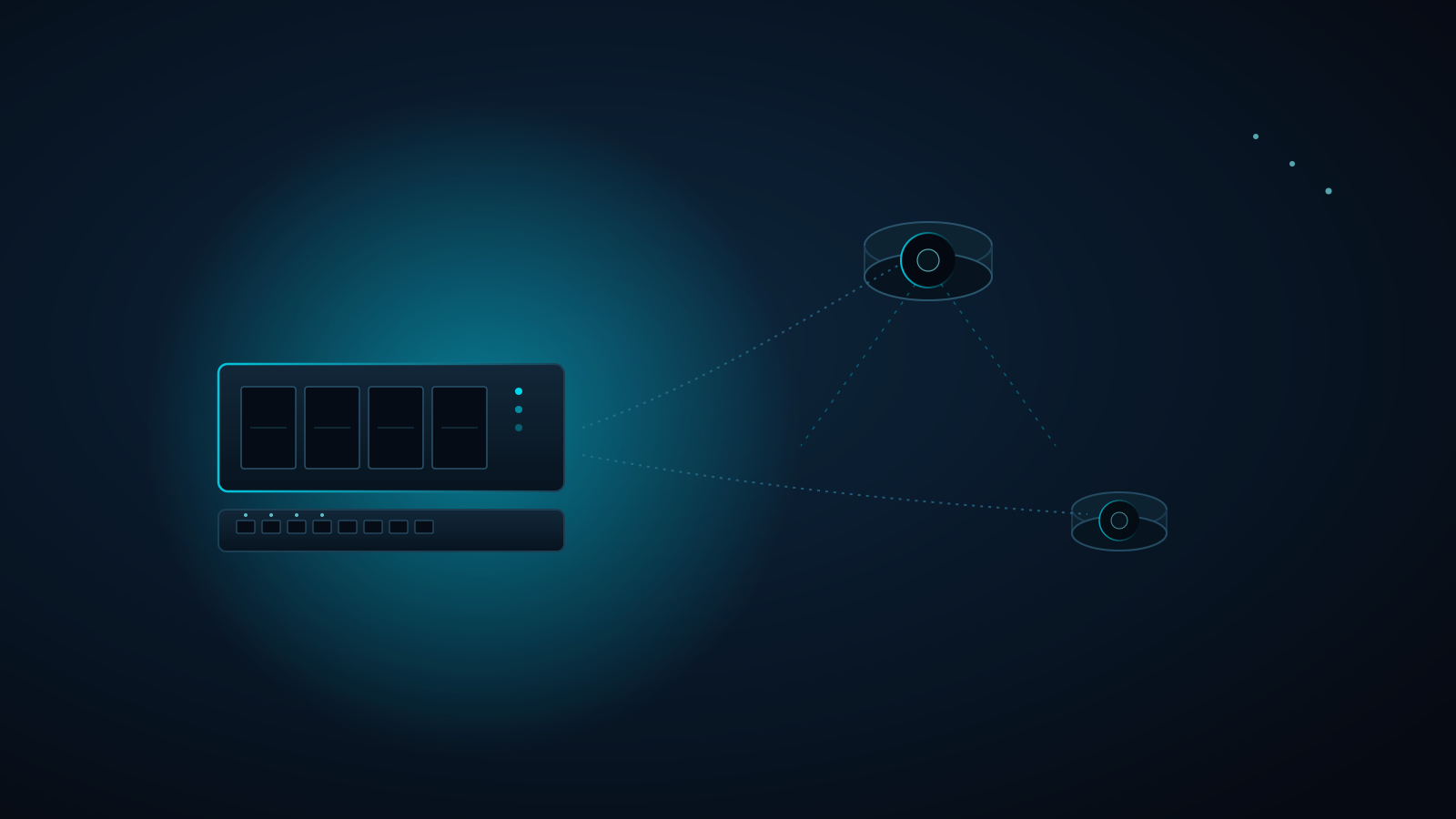
Your Ring and Nest cameras aren't actually yours — not the footage, anyway. Skip a payment or let a subscription lapse, and every clip they've ever recorded of your own front door becomes inaccessible. For a luxury estate with a dozen or more cameras covering a gated entry, a pool, a detached guest house, and a motor court, that's not a minor inconvenience — it's a recurring bill for permission to review something that already happened on your own property.
Quick answer: Ring and Nest store your footage in the vendor's cloud and cap retention behind a monthly per-camera subscription. A hardwired PoE local NVR — we build ours on Frigate, integrated directly into Home Assistant — records locally, to storage you own, with zero recurring fee.
- A whole-estate camera system on Ring or Nest's cloud plans runs $10–$20/month per camera — a permanent line item that never goes away
- Local NVR storage retains weeks to months of continuous 4K footage, sized to your drive, with no subscription and no vendor deciding your retention window
- Recording keeps working even if your internet connection drops — footage lives on your network, not in transit to a data center
The Fast Verdict: Cloud Cameras vs. Hardwired PoE NVR
| Security Camera Metric | Consumer Cloud Cameras (Ring / Nest) | Hardwired PoE Local NVR (Frigate + Home Assistant) |
|---|---|---|
| Footage Storage | Third-party vendor cloud servers | Local NVR appliance you own, on-site |
| Recurring Cost | $10–$20/mo per camera, forever | Zero — one-time hardware investment |
| Retention Window | Capped at 30–60 days unless you upgrade tiers | Weeks to months of continuous 4K, sized to your drive |
| Power & Data | Battery swaps or individual wall adapters per camera | Single Cat6 PoE run: power and data in one cable |
| Internet Dependency | Clips upload before you can view them; outage = no footage | Records and plays back locally; internet outage doesn't stop it |
| Data Privacy | Vendor holds a standing copy, subject to breach and third-party requests | You hold the only copy, on your own network |
| Scaling to More Cameras | Subscription cost multiplies per camera added | Add cameras onto the existing NVR — one flat storage pool |
The Rule of Thumb
Every "free" camera app is free right up until you want more than a couple of weeks of footage, or more than one or two cameras — then it becomes a recurring bill for the life of the house, billed per device, forever.
A hardwired PoE NVR system is a one-time hardware investment: no monthly rent on footage of your own driveway, and no dependency on your internet connection staying up for recording to keep working.
Professional Architecture: Connected Estate Engineering
Cloud cameras are marketed as plug-and-play, but a whole-estate system — gated entry, motor court, pool, detached structures — needs the same engineering discipline as the rest of the network: cable runs planned to actual camera positions, a PoE switch sized for the load, and an NVR appliance spec'd to the resolution, camera count, and retention window the property actually needs.
At Connected Estate, we design and configure local NVR architectures around Frigate — open-source, self-hosted NVR software running on a dedicated local appliance with a hardware AI accelerator — fed by a managed PoE switch and integrated directly into Home Assistant, the same local-control platform running the rest of your smart home. We spec the drive capacity and retention window during your Estate Discovery, so there's no guessing how many days of footage you'll actually have. (Our practice is configuration-only — camera mounting, cable pulls, and rack work are handled by your low-voltage partner.)
Technical Deep Dive: The Local NVR Blueprint
1. The Single-Cable PoE Backbone
Every Ring or Nest camera needs either a battery you swap on a schedule or a dedicated wall outlet fished to an often-awkward mounting location — a problem multiplied across a dozen entry points, a pool deck, and a detached guest house. A properly designed camera system instead runs a single Cat6/Cat6A cable from each camera position back to a centralized PoE switch: one cable carries power and data together, with no batteries, no wall warts, and no exposed adapters cluttering the architecture.
2. On-Device Processing vs. Cloud Compute
Cloud cameras process smart detection (person, vehicle, package) on the vendor's servers, often gating the useful alerts behind a premium subscription tier. A Frigate NVR runs that same AI detection locally, on a dedicated hardware accelerator built into the appliance — no gating, no per-feature upsell, and no round trip to a data center before you get a push notification that someone's at the gate.
3. Ownership, Retention, and No Recurring Rent
The core architectural advantage isn't a single feature — it's who controls the footage. A local NVR retains continuous recording sized to your internal storage (a typical 8–16 camera estate at 4K commonly runs 30–45+ days of continuous retention on an appropriately sized drive, calculated during Estate Discovery), and that retention window is yours to set, not a vendor's tier structure. Recording keeps running during an internet outage since it never depended on reaching the cloud in the first place, and there's exactly one copy of your footage — the one on your property.
Frequently Asked Questions
Do I lose remote viewing if my cameras record locally instead of to the cloud?
No. Home Assistant's companion app gives you full remote access to live view and recorded footage from anywhere, the same as Ring or Nest — the difference is that recording and storage happen on your local NVR, not a subscription tier, and local playback keeps working even when the internet connection to your phone is the only thing down.
How much storage do I actually need for a whole-estate camera system?
It depends on camera count, resolution, and how many days of retention you want — which is exactly why we calculate it during your Estate Discovery rather than guessing. As a reference point, an 8–16 camera estate recording continuous 4K typically needs 8–16TB of NVR storage for 30–45 days of retention; we spec the exact drive configuration to your property and desired retention window.
Can I keep using the Ring or Nest app after switching to a local NVR system?
Once you move to a local NVR, camera management moves into Home Assistant itself — a single dashboard for live view, playback, and smart alerts across every camera on the property, alongside the rest of your smart home. During a Grand Unification engagement, we integrate that view for you, so you're not juggling a separate app per camera brand.
Ready to stop paying rent on your own footage? Book your Estate Discovery and we'll spec the exact PoE camera and NVR architecture your property needs.
Written by
Andrew Marty
Founder of Connected Estate. 15+ years in enterprise IT, now configuring Central Florida's most demanding smart home networks.
Connect on LinkedInReady to fix it for good?
Book your Estate Discovery and we'll map exactly what your estate needs.
Book Your Estate DiscoveryContinue Reading

Your ISP Gateway Is the Weakest Link: Firewalla Gold Pro, Intrusion Prevention, and Dual-WAN Failover for Estates
The modem-router your ISP handed you decides what gets inspected, what stays up when the line drops, and who can administer it. Here is why a Firewalla Gold Pro hardware firewall belongs at the edge of every St. Cloud and Harmony estate.

Lutron RadioRA 3 Clear Connect Design: Where the RF Backbone Ends and Your Wired Network Begins
RadioRA 3 keeps your lights off the Wi-Fi, but its processor, repeaters, and integrations still depend on clean wiring. Here's how to design the Clear Connect backbone and the Ethernet behind it for a Central Florida estate.
UniFi Protect NVR vs. Ring & Nest Subscriptions: What Your Estate's Camera Storage Really Costs
A dozen cloud cameras means a dozen recurring subscriptions and footage that lives on someone else's servers. Here's how a hardwired PoE UniFi Protect NVR changes the math, and how to size storage so you keep the footage you actually need.